Appearance
Using the Documentation Portal
The Formbricks documentation portal provides technical guides for integrating the SDK, configuring surveys, managing API access, and self-hosting the platform. Whether you are a developer implementing Formbricks for the first time or an administrator managing an existing deployment, the docs cover every aspect of the platform.
Finding Information
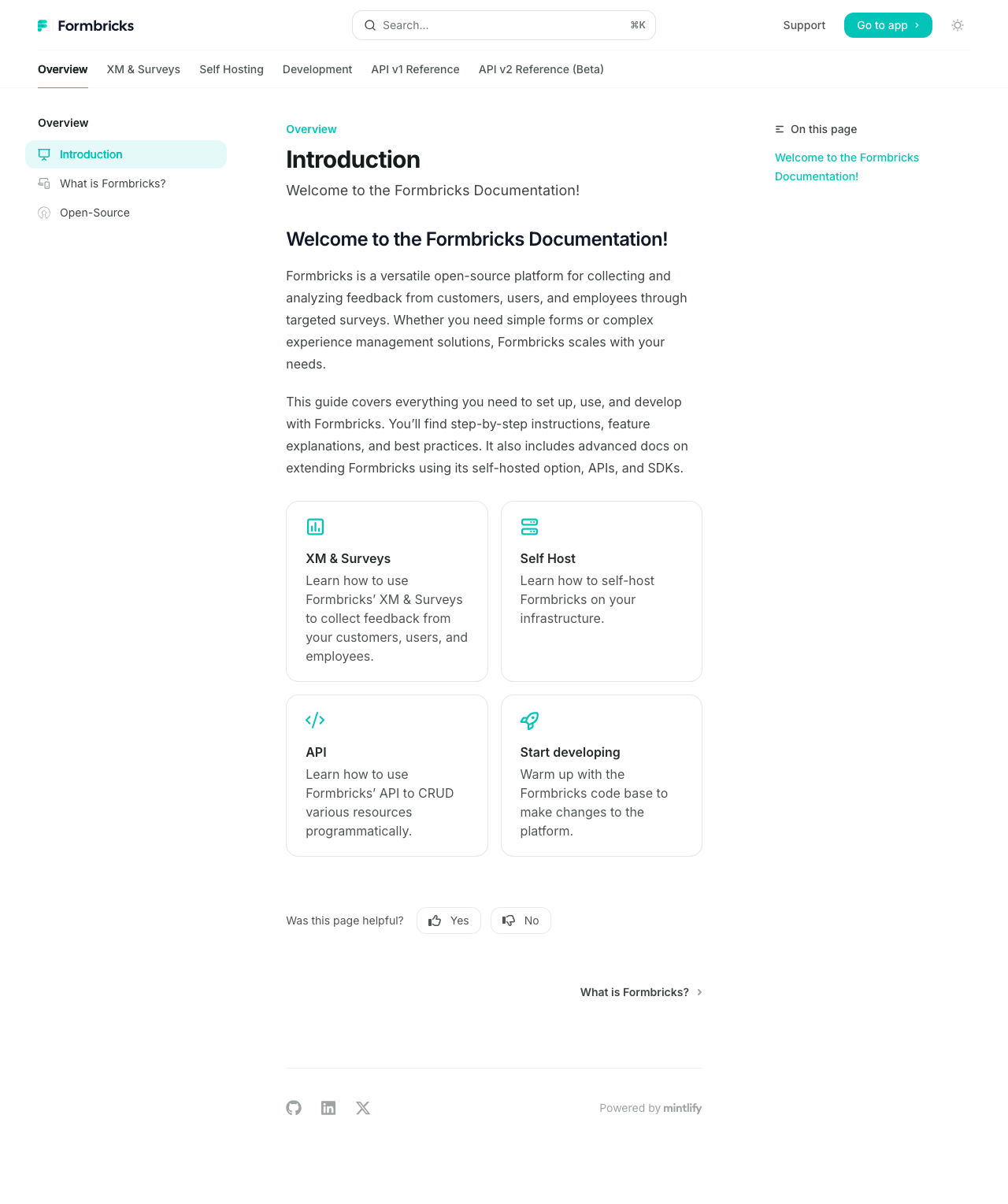
Use the Search bar [1] at the top of the documentation to find specific topics. Press Cmd+K (Mac) or Ctrl+K (Windows/Linux) to open the search dialog from any page.
The left sidebar organizes documentation into sections:
- Getting Started — Installation guides, quickstart tutorials, and initial configuration
- Surveys — Creating, targeting, and managing different survey types
- SDK Reference — JavaScript SDK methods, React hooks, and framework-specific guides
- API Reference — REST API endpoints for programmatic survey management
- Self-Hosting — Docker setup, environment variables, and database configuration
Reading Preferences
Toggle between light and dark reading modes using the dark mode button [2] in the top navigation bar. The documentation also includes an On this page [3] outline on the right sidebar, showing the headings within the current article for quick navigation.
Providing Feedback
At the bottom of each documentation page, you can rate whether the content was helpful by clicking Yes or No. This feedback helps the Formbricks team identify documentation gaps and improve article quality.
Key Integration Guides
For developers, the most frequently accessed documentation sections include:
- JavaScript SDK setup — Adding the tracking script to your web application
- React integration — Using the Formbricks React component and hooks
- Event tracking — Sending custom events to trigger targeted surveys
- Webhook configuration — Receiving survey response data in your own systems