Appearance
Learning from Customer Churn
Understanding why customers leave is one of the most valuable insights a business can gather. The Formbricks churn survey template helps you capture cancellation reasons at the moment a user decides to leave, when their feedback is most candid and actionable.
Setting Up the Churn Survey
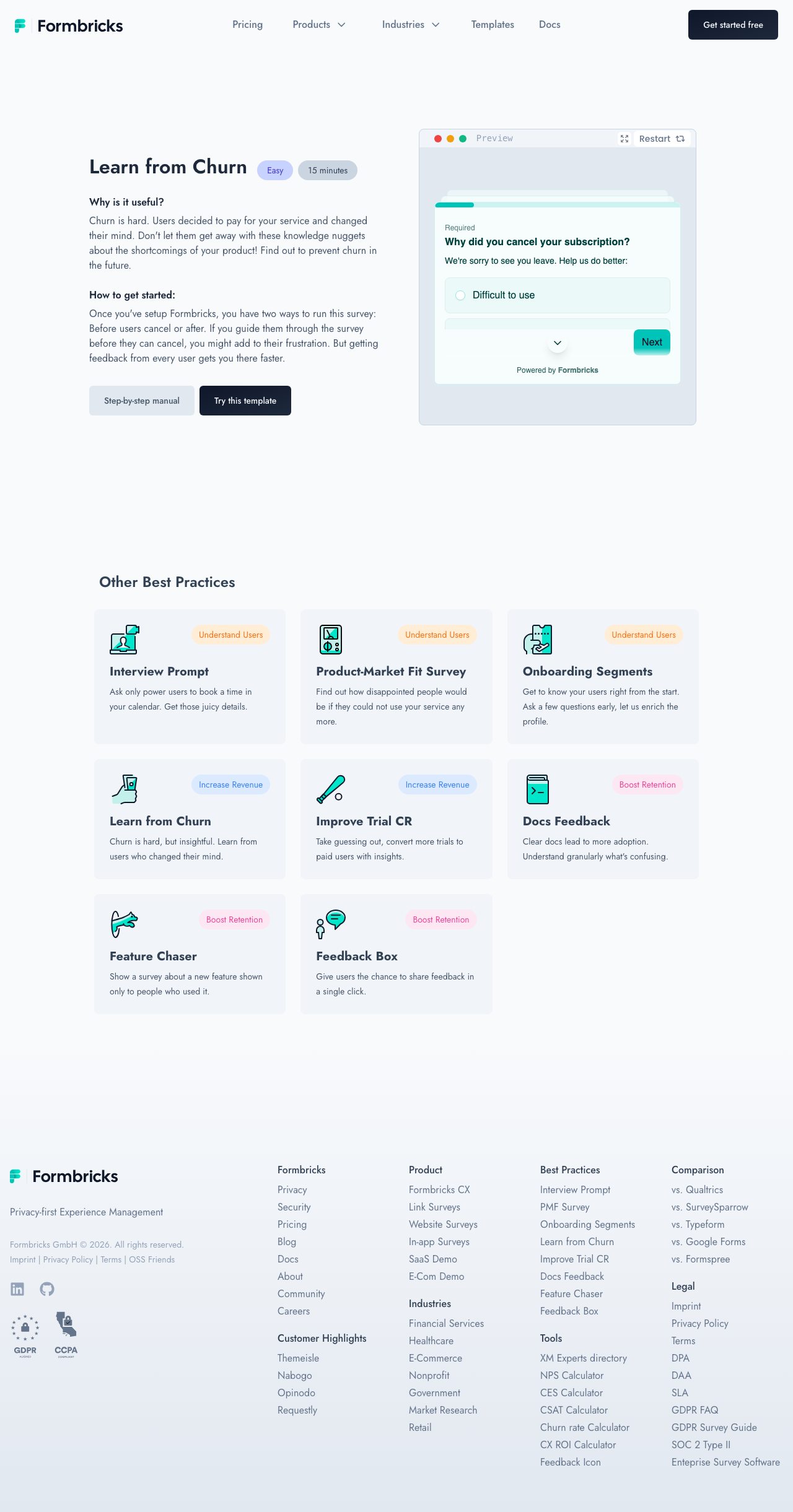
Click Try this template [1] to preview the churn survey flow. The template is designed to trigger when a user initiates a cancellation or downgrade action within your application.
The survey preview on the right side of the page shows how the questions appear to users. Use the Restart [2] button to replay the survey from the beginning and test different response paths.
How the Survey Works
The churn survey follows a branching logic flow:
- Primary reason — A multiple-choice question asking the main reason for cancellation (pricing, missing features, found an alternative, no longer needed, etc.)
- Follow-up details — Based on the selected reason, a targeted follow-up question digs deeper. For example, if the user selects "missing features," the next question asks which specific feature would have kept them.
- Open feedback — A free-text field where users can elaborate on their experience
- Win-back opportunity — An optional question asking what would bring them back
Timing the Trigger
Configure the survey to appear at the exact moment the user clicks your cancellation or downgrade button. This timing captures feedback while the user's reasons are top of mind, resulting in more honest and detailed responses than post-cancellation email surveys.
Acting on Churn Data
Review churn reasons weekly to identify patterns. If multiple users cite the same missing feature or pricing concern, that data provides clear direction for product and pricing decisions. Formbricks' analytics dashboard shows the distribution of cancellation reasons over time, making trends visible at a glance.