Appearance
E-Commerce Demo: Shopping Experience Feedback
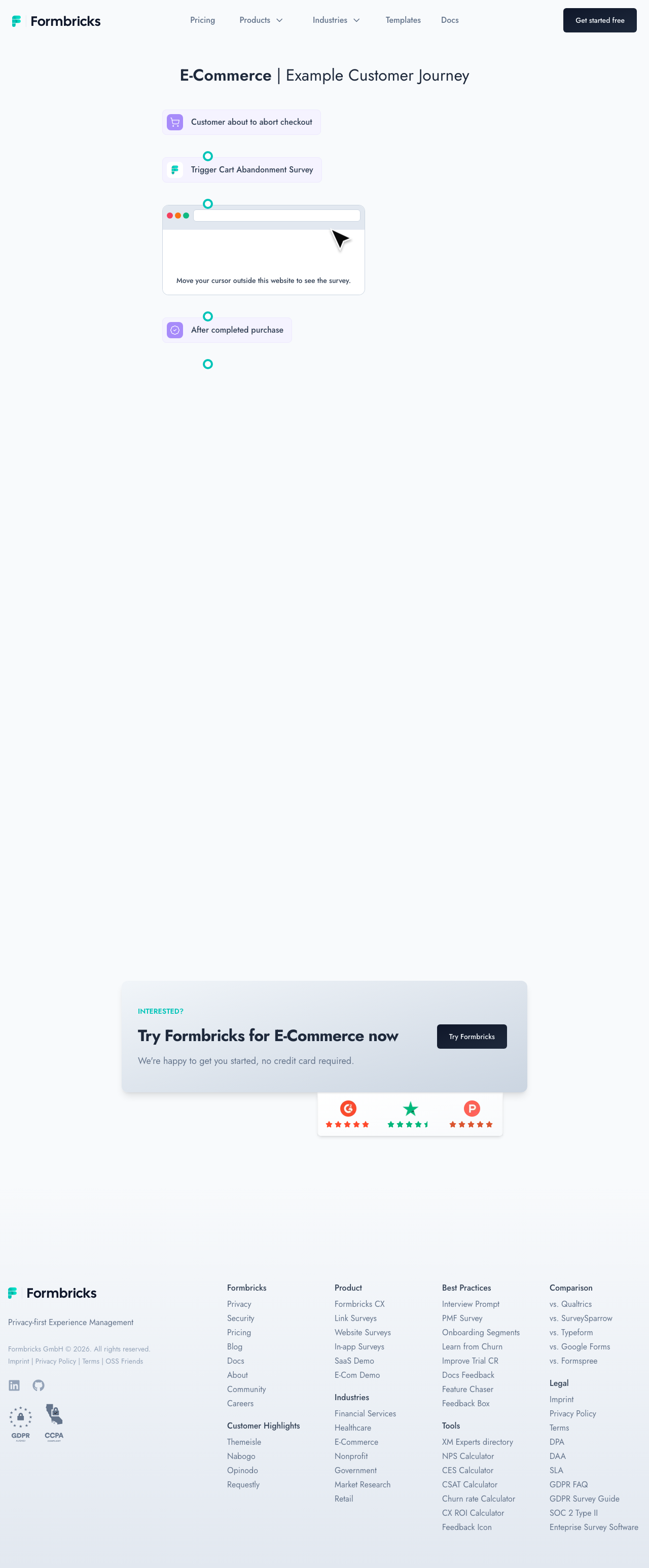
The e-commerce demo shows how online stores can use Formbricks to collect customer feedback at critical touchpoints in the shopping journey — from browsing to post-purchase.
Key Feedback Touchpoints
Cart Abandonment
When a shopper adds items to their cart but does not complete the purchase, Formbricks can trigger a survey to understand the reason. Common responses include unexpected shipping costs, complicated checkout processes, or comparison shopping behavior.
Post-Purchase Feedback
After a successful order, a survey captures the customer's satisfaction with the buying experience. Questions can cover product selection, checkout flow, payment options, and delivery expectations.
Product Review Prompts
Once the customer receives their order, a timed follow-up survey encourages them to share a product review. This feedback loop generates social proof while giving your team actionable quality data.
Return & Refund Insights
If a customer initiates a return, a survey captures the specific reason — wrong size, product quality, damaged in shipping, or changed mind. This data helps optimize product descriptions, sizing guides, and packaging processes.
Implementation
Each touchpoint uses event-based triggering tied to your e-commerce platform's existing events (add to cart, checkout complete, return initiated). The surveys appear as non-intrusive popups that match your store's visual identity.
Click Try Formbricks [1] to set up these e-commerce survey flows in your own store.